
NOTE: For Hotels Only
When a hotel is established in the Tournkey system, portal access is created automatically.
The portal allows hotel management personnel to check the accuracy of the details we have on file for their property. It also displays details of the teams booked into their property for any given event.
The portal can be accessed here: Tournkey Hotel Portal
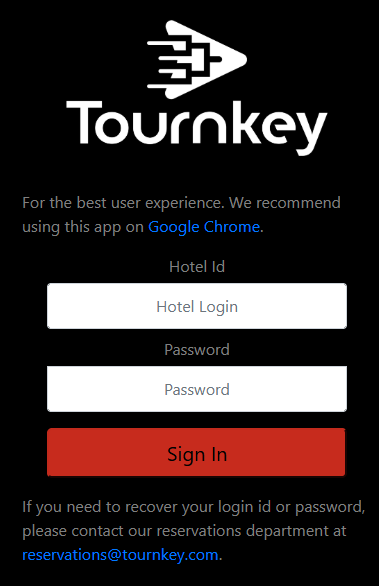
To access the portal, you will need the Hotel ID and the Password. When the portal is created, or after a reset, the default password is the first name of the primary salesperson we have on file. When you first login to the portal, you will be prompted to change the password to one of your choice.
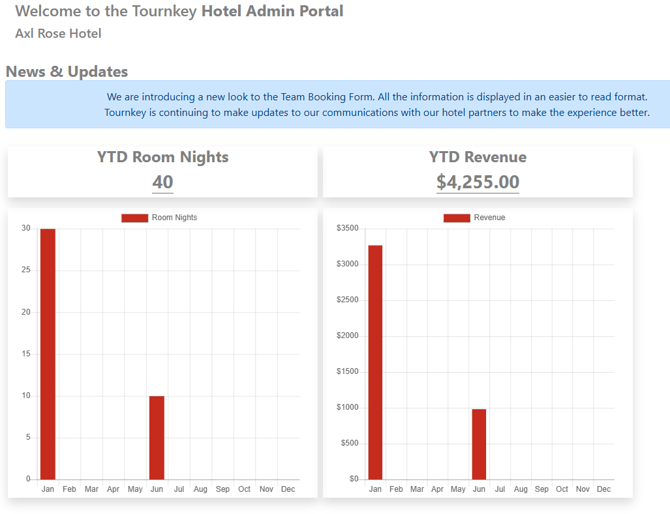
The portal home page shows Room Nights and Revenue booked through Tournkey for the Year to Date:
On the left-side menu, you'll find 'Hotel Details', 'Team Booking Forms' and 'Rooming Lists'.
- Hotel Details: includes address, relevant phone numbers, description(s), contacts and more. Several fields are editable, so you can update information directly.
- Team Booking Forms: when a team books into a Master Block we're holding at your hotel for a given event, you will receive an email notification to sign-off on the Team Booking Form (TBF). You can do that electronically here.
- Rooming Lists: when a team's rooming list is completed in our system, you will receive an email notification to assign confirmation numbers. You can do so electronically here. Those rooming lists have all relevant details of the individuals who've booked rooms, including phone numbers, emails and credit cards.
*Note we are regularly adding functionality to the hotel portal - please don't hesitate to reach out with suggestions for what would make your life easier when using it.