
Step 1: Log In to Tournkey
-
Navigate to www.tournkey.app
-
Log in using your user credentials
-
If you’ve forgotten your password:
-
Enter your email on the login screen
-
Select “Forgot Password? Click Here” on the next screen
-
Follow the instructions to reset your password
-
Step 2: Select the Correct Team
After logging in, you will be directed to:
-
Your user profile or
-
The last team managed by your account
To switch teams:
-
Go to your Coach Dashboard
-
Select “Change Team” in the middle of the dashboard

-
Choose the team you would like to manage
Step 3: Access Your Event
-
Locate your event in the Manage Upcoming Events widget
-
Select “Manage” beside the event

This will take you to your Registration HUB, which contains all details related to your event participation.
Step 4: Request Hotel Support
There are two ways to create your hotel booking if you did not request travel during the registration process.
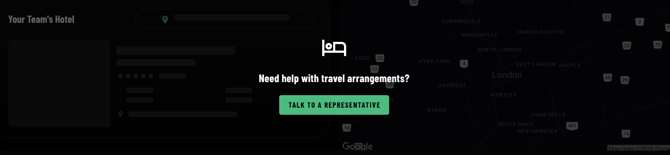
Option 1: In your Registration HUB click 'Talk to a representative'
-
Scroll down in your Registration HUB and select 'Talk to a Representative'
Option 2: Secure rooms using the Event's Hotel Link
-
Return to your team dashboard and select 'Go to Event'
-
Select the Hotel Link on the details page
-
View and select the hotel right for your team.
- Select Request Rooms
Step 5: Enter Hotel Request Details
-
If securing rooms in your Registration HUB, the form will be pre-filled with most of the required to secure travel. This will allow our team to reach out with prepared options.
- If you secured rooms via the hotel booking link then you will be required to fill some of the information for your team's upcoming stay.
Important Notes About Hotel Requests
Please note the following:
-
Rooms are not guaranteed when a request is submitted. In some instances, although rooms are available, there may not be enough availability for your group size.
- Our team will reach out to the hotel to see if there is additional inventory to support your group. If not, we will work towards providing an alternative solution.
- Credit Card information is required by most major hotel chains to secure a block for your team. You will not be charged for managing this block for your team and all rooms will be secured individually unless otherwise requested.
- Changes can be made after requesting and securing a block. These changes are subject to hotel cancellation policies and availability.